Shredders are rated for paper. Everything else is a specification you have to check, and getting it wrong is the single most common cause of a machine failing early.
Staples and paper clips
Most modern cross-cut machines will take staples. Many will take small paper clips. Neither is good for the blades, and both count towards sheet capacity — a stapled corner is several sheets thick in one spot.
Practical position: if the machine says it accepts staples, feed stapled documents but feed them staple-first and slowly, and do not combine that with a full-capacity stack. If the machine does not mention staples, remove them. Large binder clips should always be removed, from any machine.
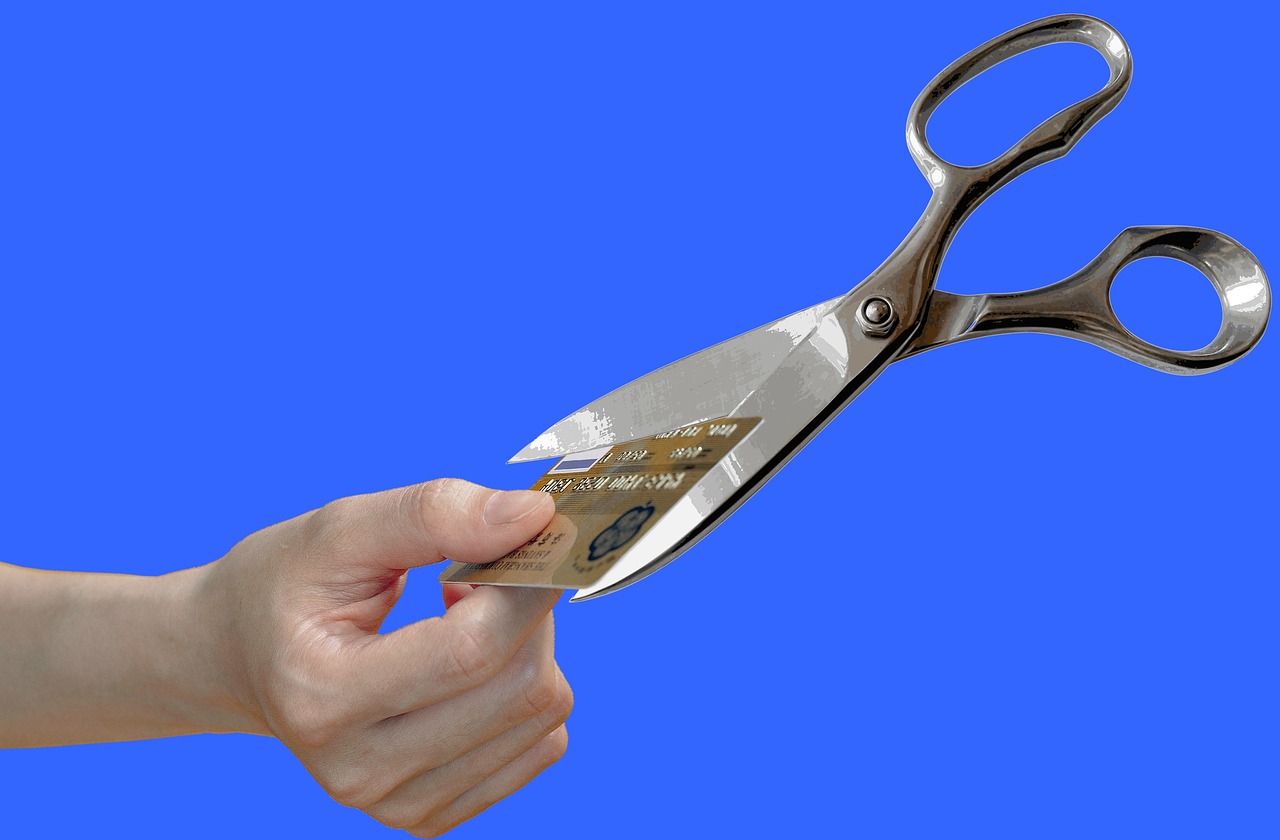
Credit and ID cards
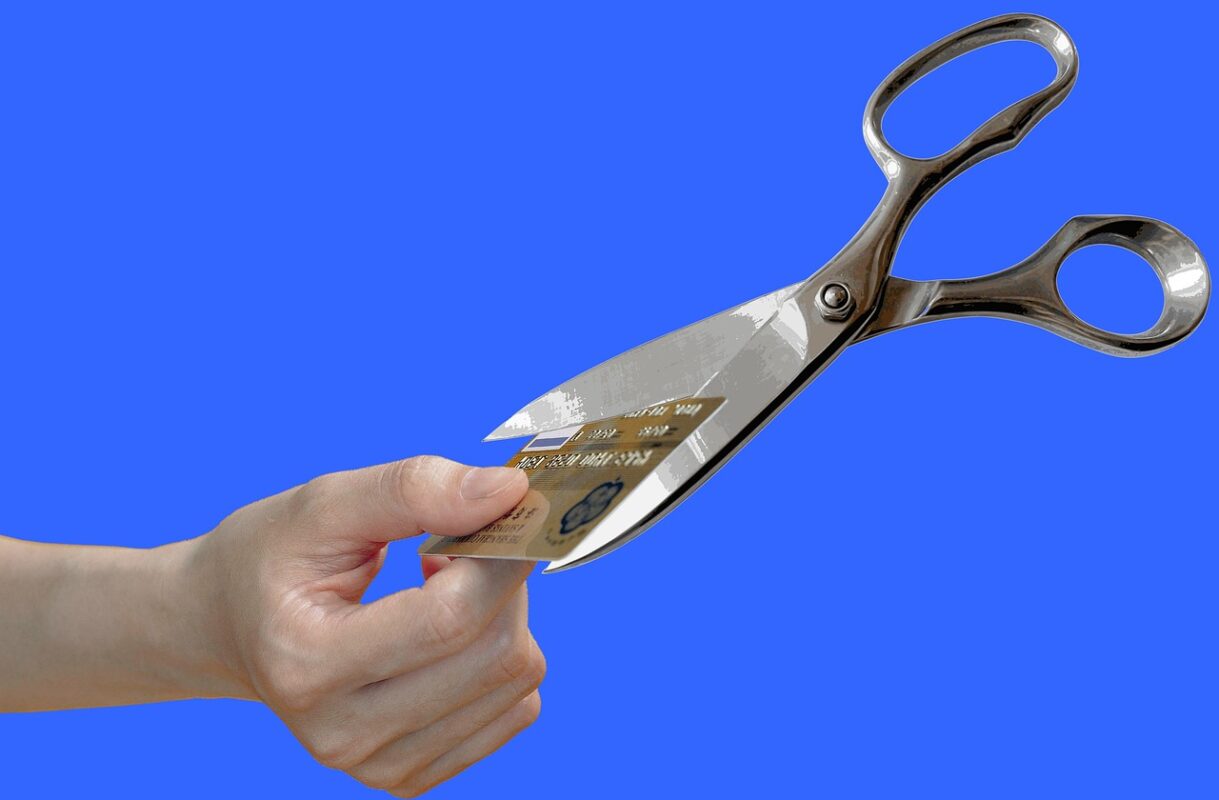
A card slot is a specific feature. Cards are far harder than paper and a machine not designed for them can chip a blade on the first one.
Where a card slot exists, it is usually a separate opening with its own coarser cutters, and it cuts cards into strips rather than particles. That is fine — a card cut into six pieces is destroyed for practical purposes.
Check whether the slot is rated for cards with a chip, and never feed more than one card at a time.
CDs and DVDs
Again a separate slot on machines that support it. Optical discs shatter rather than cut, and the fragments are sharp. Machines rated for discs have a shielded path and usually a separate bin or a divider so shards do not mix with paper.
If your machine has one bin for everything, expect to be careful when emptying it. And never feed a disc into a paper slot on a machine without a disc rating — you will get fragments in the cutting head and a service call.
What never goes in
- Adhesive labels and sticky notes in quantity. Adhesive builds up on the blades and eventually seizes them. A few are fine; a sheet of labels is not.
- Laminated documents. Plastic film wraps around the cutters.
- Glossy photo paper in bulk. The coating gums up the blades and it is thicker than it looks.
- Carbon paper and thermal receipt rolls in quantity. They shed dust that coats the cutting head.
- Anything wet. Damp paper tears rather than cuts and can rust the blades.
- Envelopes with plastic windows, in bulk. One or two are fine; a stack is not.
- Cardboard, unless the machine is specifically rated for it. Corrugated card is far denser than paper.
Hard drives and USB sticks
Ordinary shredders do not destroy these and should not be asked to. Hard drive destruction is a separate category of machine under a separate part of DIN 66399. For a small number of drives, physical destruction with a drill or a specialist service is more practical than buying a machine.
The single habit that prevents most damage
Sort before you shred. Two minutes separating stapled from unstapled, and pulling out the laminated appointment card and the plastic-window envelopes, prevents most of the failures above.
Put a tray next to the machine for material waiting to be shredded, and do the sort as you drop things in the tray rather than when you are standing at the machine wanting to be finished.
If something does go in
Stop immediately. Do not keep feeding paper to “push it through” — that is how a recoverable jam becomes a wrapped cutting head. Reverse the machine, unplug it, and clear what you can see. If it will not clear, the machine needs opening, and that is a job for someone who has read the manual.
Our listings state which materials each machine accepts. See the full range, and our Return & Refund Policy for what is covered if a machine arrives faulty.